
The terminal is one of the oldest, yet still most important, interfaces in software development. Although its core purpose has remained largely unchanged, modern terminal emulators differ considerably and represent a balance between minimalism, performance, customisability and modern convenience features. Many people would not realise that the choice of terminal actually has more to do with personal working styles and preferences. Below, I’d like to compare a few terminal options for macOS and evaluate them based on my own personal use.
| Feature |  Ghostty |  WezTerm |  Kitty |  iTerm2 |  Hyper |  Warp | 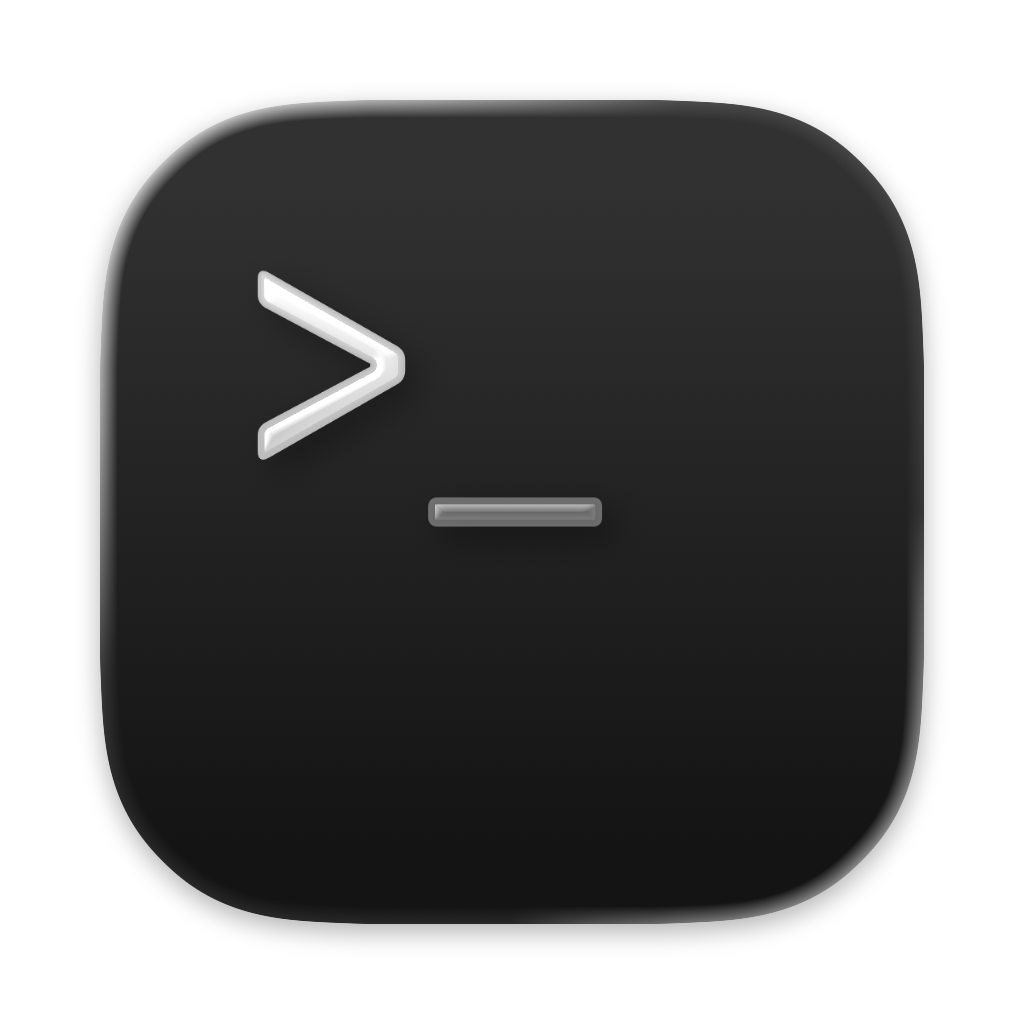 Terminal |
|---|---|---|---|---|---|---|---|
| Best for | A daily driver | Config as code | Keyboard-centric users | Built-in automation | Design-focused setups | A modern, guided workflow | Doing nothing extra |
| Standout feature | Native macOS feel | Lua configuration | Layouts and remote control | Triggers and profiles | Focused design | Blocks and AI assistance | Already installed |
| Value | ★★★★★ | ★★★★★ | ★★★★★ | ★★★★★ | ★★★★★ | ★★★★★ | ★★★★★ |
| Editorial position | Best overall | Best for configuration | Powerful specialist | Feature-rich incumbent | Design-conscious option | Interesting, but not for everyone | Only if you are happy with the default |
Top macOS terminal emulators.
Ranked after a year of daily use.
What I am looking for
The best terminal is not the one with the most settings. It is the one that leaves enough of the computer visible while you work. I looked at everyday responsiveness, tabs and splits, configuration, typography, shell integration, and how much work is required before the application feels properly set up.
Different Tools, Different Philosophies
Different terminal emulators reflect different design philosophies and priorities. Ghostty places performance and native integration at the centre of its design; its native integration ensures a very smooth experience in everyday use. Ghostty doesn’t offer the widest range of customisation options, but it provides enough to tailor your terminal to your liking.
Kitty and WezTerm focus on configurability, technical control and personalised workflows, whilst maintaining good speed, much like Ghostty.
iTerm2 has been the favourite of many macOS users for years who want a wide range of features; it is one of the most established tools and offers plenty of visual customisation and automation.
Warp is one of the most modern interpretations of the command line, featuring blocks, AI and a more guided visual interface. Although Warp is extremely modern, in my day-to-day use it often got in the way more than it helped; many developers are also put off by the requirement for an account.
A visually very modern panel is Hyper (from Vercel), based on Electron. It places a strong emphasis on customisation rather than a traditional native architecture, but this comes at the cost of performance issues with more complex workflows. For users who value design and do not require intensive workflows, it can be a nice alternative; for anything more demanding, however, it tends to get in the way.
The pre-installed Terminal.app is the classic, built-in solution that requires no additional installations; whilst it isn’t as customisable as its competitors, it does exactly what it’s meant to do.
Overall, there are seven very different interpretations of the terminal, ranging from classic and modern native versions to fully customisable ones. Which one suits you best depends largely on your intended use and your expectations as a user.
What Makes a Great Terminal?
For me and many others, the foundation of a terminal is good performance. It must be fast and reliable; however, speed alone does not make a terminal outstanding.
Another important factor is mental clarity – in other words, how intuitive the application is and how little attention it demands whilst you’re actually working. Part of this, of course, is UI/UX. Good typography, sensible defaults and consistent operation promote mental clarity, create a good first impression and determine how much you enjoy using an application.
Customisability is an aspect of a terminal application that should not be underestimated. A tool that is used frequently should suit your personal preferences and, ideally, work without the need for extensive configuration. Similarly, additional features are only valuable if they offer a genuine benefit without compromising aspects such as performance and mental clarity.
On macOS, many people consider integration typical of the operating system to be very important, as a terminal should continue the workflow on macOS without introducing too many new quirks.
In my opinion, an excellent terminal should feel like a natural tool that offers opportunities for personal customisation, whilst also being a tool that does not constantly demand attention.
Final Verdict
No single terminal is equally suited to every user or workflow. For me, Ghostty and kitty stand out as the strongest overall choices. Ghostty offers an excellent balance of performance, simplicity and native macOS integration, whilst kitty provides extensive customisation and powerful features without sacrificing speed.
WezTerm is another excellent option, particularly for users who prefer a highly configurable environment, whilst iTerm2 remains a capable, feature-rich alternative. Hyper and Warp, on the other hand, are more difficult for me to recommend. Despite their appealing interfaces, both introduce compromises in performance or usability that outweigh their advantages in my daily workflow.
Ultimately, more features do not necessarily result in a better user experience. Even minor inconveniences can become frustrating when using an application every day. A great terminal should adapt to the way you work, offer the flexibility you need and, most importantly, stay out of your way.
End note
Philip LangenbrinkNewsletter
Matters of Attention
An unhurried letter about design, technology, and the ideas shaping how we live online.